APRS and Packet Radio Explained for the Modern Operator
Long before consumer GPS tracking, hams built a real-time digital network on 2 meters. Here is how APRS works and how to join it without annoying anyone.
The network the hams built first
In the late 1980s, amateur operators took a 1200 baud modem standard borrowed from the telephone world, bolted it onto 2 meter FM radios, and built a packet-switched digital network that spanned continents. It carried mail, bulletin boards, and keyboard-to-keyboard chat years before most households had internet access. Much of that original packet infrastructure faded when broadband arrived, but one branch of it not only survived, it thrived: the Automatic Packet Reporting System, universally called APRS.
APRS is worth understanding for three reasons. It is genuinely useful for tracking, messaging, and event coordination. It is one of the few places where a beginner with a handheld can participate in a live global system on day one. And it is a working demonstration of a store-and-forward radio network that keeps functioning when the internet does not, which is exactly the resilience amateur radio exists to provide.
What APRS actually is
Strip away the maps and the apps and APRS is a single shared frequency per region, 144.390 MHz across most of North America, on which stations transmit very short bursts of data in the AX.25 packet format. Each burst is a broadcast, not a connection. Anyone in range hears it, and any station configured as a digital repeater, a digipeater, may retransmit it so it reaches further.
The payload of a burst is usually one of a handful of things: a position report with latitude, longitude and a symbol, a short text message aimed at a specific call sign, a weather report from an automated station, telemetry from a balloon or a repeater site, or an object announcing something like a net or an emergency operation at a location. Gateway stations called I-gates relay everything they hear onto the internet, which is why you can watch the whole network on a public map even when you are nowhere near a radio.
The hardware paths
There are three practical ways to get on APRS. The oldest is a terminal node controller, a hardware modem that sits between a radio and a computer or GPS. TNCs are reliable, unglamorous, and still the best answer for a permanent station or an unattended digipeater.
The second is a sound-card modem. Software on a computer, phone, or single-board computer generates and decodes the audio tones, and a simple interface cable connects it to the radio's microphone and speaker jacks. This is the cheapest route if you already own a computer and a radio, and modern software decodes considerably better than the hardware of thirty years ago.
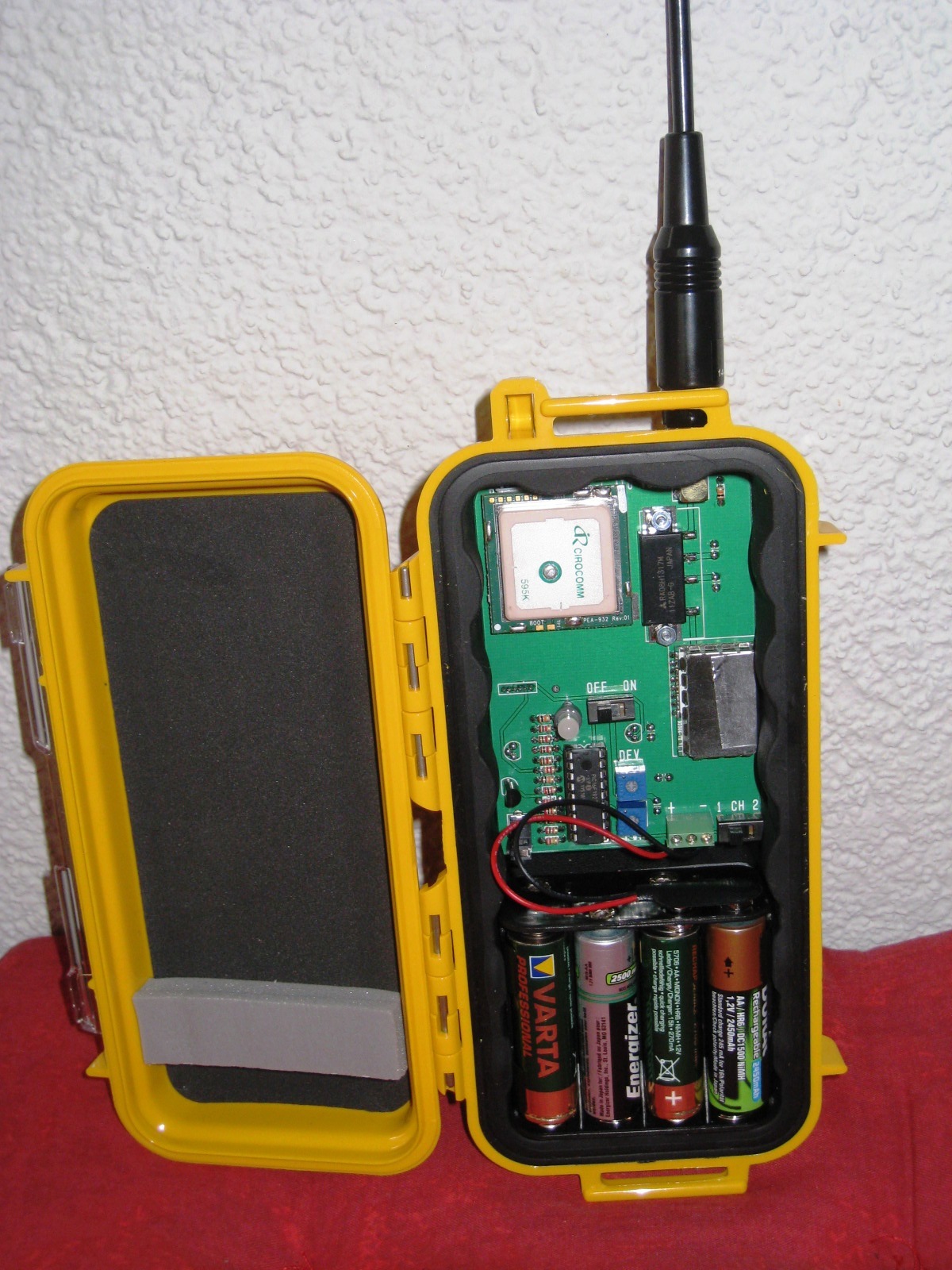
The third and now most common is a radio with APRS built in. Several handhelds and mobile radios include a GPS receiver and a modem in the same box, so you press one button and you are beaconing. If your interest is tracking and casual messaging rather than building infrastructure, this is the path of least resistance and it works well.
Paths, digipeaters, and why WIDE2-2 matters
Every APRS packet carries a path that tells digipeaters how widely to spread it. The modern convention is short: WIDE1-1 for a single local hop, or WIDE2-2 for at most two hops. Older equipment and badly configured stations sometimes use paths with three, four, or more hops, and the result is a single beacon being retransmitted dozens of times, occupying the shared channel for everyone in several states.
This is the single most important piece of APRS etiquette. The channel is one frequency shared by an entire continent, and it is congested in urban areas. Use WIDE1-1,WIDE2-1 for a mobile station, or WIDE2-2 at most, and beacon no more often than the situation warrants. A fixed home station that never moves does not need to announce its unchanged position every minute; every ten or thirty minutes is plenty. Smart beaconing, which transmits more often when you are moving quickly and turning, is built into most modern equipment and should be left enabled.
Messaging, weather, and telemetry
APRS messaging is genuinely useful and widely underused. You can send a short text to another call sign anywhere the network reaches, and the protocol includes acknowledgements so you know it arrived. Because I-gates bridge to the internet, you can exchange messages with an operator on the other side of the world using a handheld radio and no infrastructure of your own beyond the local digipeater. There are also gateway services that relay APRS messages to and from email, which is occasionally exactly the right tool during an outage.
Automated weather stations feed a large fraction of the network's traffic and provide a genuinely valuable dataset of local conditions during severe weather. Telemetry from high-altitude balloon flights is another classic use, and following a balloon across three states on the public map is a very effective way to get a young person interested in radio.
Packet beyond APRS: Winlink and the BBS survivors
Connected-mode packet, the original point-to-point protocol, still exists and still matters. Winlink is the most consequential modern example: a global system of radio-to-internet email gateways used heavily in emergency communications and by sailors far offshore. It runs over VHF packet where a gateway is in range and over HF modes such as VARA or ARDOP when it is not, and it can move real email with attachments through a radio path when nothing else is available.
A handful of traditional packet bulletin board systems also survive, kept running by operators who value the independence. Connecting to one with a terminal program is a pleasant piece of computing history and a useful skill during an emergency, because a system that requires no internet at any point in the chain is precisely what you want when the internet is the thing that failed.
Setting up without annoying the network
Before you transmit anything, listen. Run a receive-only setup or watch the public map for your area to learn which digipeaters are active and how busy the channel is. Then configure conservatively: correct call sign with an appropriate SSID, a short path, a modest beacon interval, and a comment field that says something useful rather than nothing.
Verify what you are actually sending by finding your own station on the public map after your first few beacons. Check that the position is right, the symbol matches what you are, and the path is what you intended. Ten minutes of that verification will save the network hours of unnecessary traffic and will save you the mildly embarrassing email from a local operator explaining that your handheld has been flooding three counties since Tuesday.
Every HAMSTATION tool runs entirely client-side. No accounts, no tracking, no server storage.
Open the toolkit →