Digital Modes: FT8, JS8, and the Quiet Revolution on HF
Digital modes have transformed what a modest station can accomplish. Here is how they work, when to use each one, and how not to become a robot.
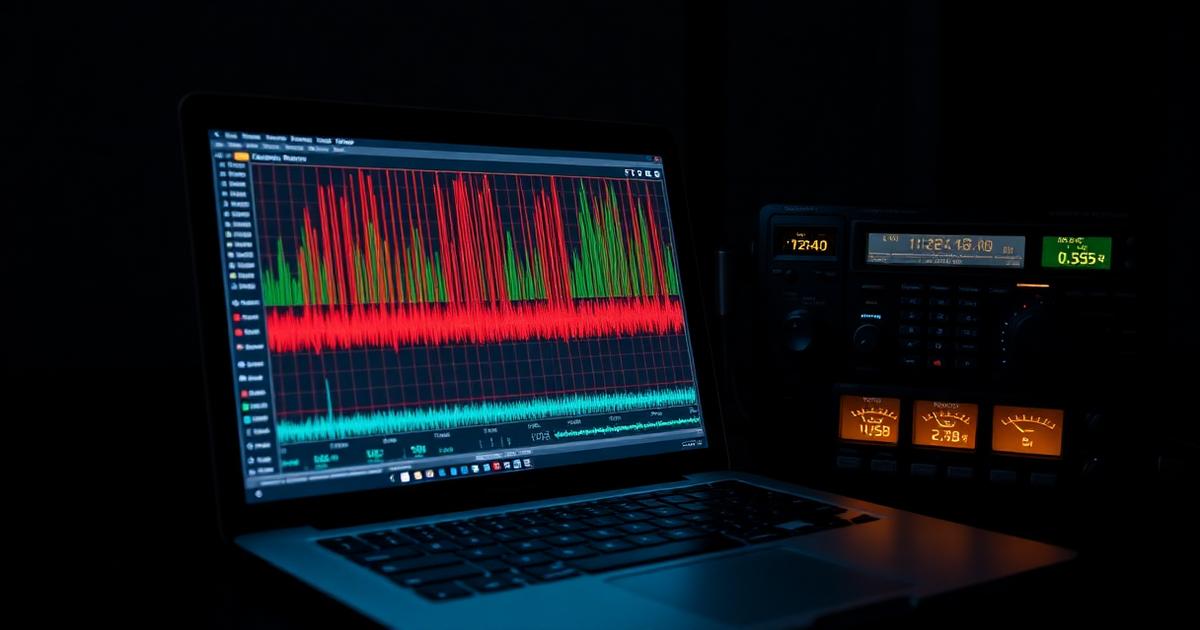
What actually changed
If you left the amateur radio hobby in 2015 and came back in 2026, the single loudest difference on any HF band would be the sound of digital modes. The dot-dot-dot rhythm of FT8 has taken over the lower edge of every band from eighty meters to ten. Contest weekends are dominated by digital submissions. Rare DXpeditions announce their FT8 frequency before their CW or SSB plans. This did not happen because operators got lazy. It happened because a small research group at Princeton figured out how to squeeze real information out of signals well below the noise floor, and the effect on what a modest station can accomplish has been genuinely revolutionary.
The mathematics is straightforward and worth understanding, even at a shallow level. Traditional voice modes need roughly 10 decibels of signal above the ambient noise to be intelligible. CW gets by with about 0 decibels. FT8 and its cousins decode reliably at 24 decibels below the noise floor, using powerful forward error correction, tightly synchronized time slots, and a fixed message structure that lets the software make aggressive assumptions about what a valid transmission looks like.
The trade-off, in plain terms
The price of that sensitivity is expressive bandwidth. An FT8 exchange transmits about seventy-five bits of information every fifteen seconds: your call sign, the other operator's call sign, a signal report or grid square, and a handful of control tokens. That is enough to log a valid contact, but not enough to say hello, ask about the weather, or wish anyone a happy new year. FT8 is not a conversation. It is a handshake, radio-frequency proof that you and another human were on compatible frequencies at the same time.
For a lot of operators, that is exactly what they want. Chasing every DXCC entity, working every grid square in the country, or filling in the last few states for a Worked All States award are all pursuits where the handshake is the entire point. FT8 turns a five-watt station and a wire antenna into a global machine for accumulating those handshakes.
When to reach for FT8, JS8, or something else
FT8 is the right tool when propagation is poor, when your antenna is compromised, when you want to chase DX in a hurry, or when you are running QRP power and need every decibel of margin. JS8, built on the same underlying protocol as FT8 but with a keyboard-to-keyboard mode, is the right tool when you want the sensitivity of FT8 but also want to hold a real conversation. JS8 packs about ten characters of user text per transmission, which is slow but genuinely usable, and it is a favorite for grid emergency nets where the goal is passing traffic under bad conditions.
Voice modes remain the right tool when you actually want to hear a human being. CW remains the right tool when you want to work rare DX quickly, because a skilled operator with a paddle can complete a valid exchange in eight or nine seconds versus FT8's ninety. PSK31, once the dominant digital mode, still has a small community and offers keyboard chats at conversational speed. RTTY is alive and well in contests. There is no single best digital mode; each one earns its keep in a particular corner of the hobby.
Getting on the air with digital
The software of choice is WSJT-X for FT8 and the other weak-signal modes, and JS8Call for JS8. Both are free, cross-platform, and well documented. You will need three things beyond your radio: an audio interface between the computer and the transceiver, a way to key the transmitter from the computer, and an accurate clock. The audio interface can be a purpose-built USB device or the sound card built into many modern radios. The keying is handled by a serial or USB CAT connection. The clock is the part most beginners overlook.
FT8 relies on both stations being within about two seconds of true time. If your computer clock drifts by more than that, the software will not decode. Every operating system supports network time synchronization, but it is worth installing a dedicated NTP client and confirming that your clock stays within a hundred milliseconds of reality. Once you have done this, the setup essentially runs itself, and you can walk away from the station and come back an hour later to a decoded log of everything the software heard.
The etiquette question
There is an ongoing and slightly tiresome debate about whether digital modes count as real ham radio. The honest answer is yes: you built the station, you chose the frequency, you understand the propagation, and you are responsible for every signal you emit. The software helps decode, but it does not make the contact. The operators who dismiss FT8 as robot-to-robot are usually the same ones who happily use a computer for logging, a memory keyer for CW, and DSP filters they did not design. Amateur radio has always absorbed new technology, and the digital modes are simply the latest example.
The etiquette that does matter is the same on every mode. Listen before you transmit. Do not call on top of another QSO. Send accurate signal reports. Log the contact and confirm it, either on paper, on LOTW, or on the QRZ platform. And do not run so much power that you overwhelm your neighbors' receivers; part of what makes weak-signal modes work is a spectrum that is not saturated with people running full legal limit into an amplified wire.
Try one evening on FT8 with the HAMSTATION Maidenhead calculator open in a browser tab, and you will very likely have your first four continents in the log before bedtime. Whether you stay in the digital corner or drift back to voice and CW after that first taste is a choice only you can make. Most operators end up doing all of it, on different nights, for different reasons.
Every HAMSTATION tool runs entirely client-side. No accounts, no tracking, no server storage.
Open the toolkit →